1. Be smart when installing apps
Stick to trusted sources and download apps only from official stores like Google Play. Third-party stores are a common source of malware. Check app permissions carefully during installation. Excessive permissions could indicate malicious intent.
2. Know the signs of Android malware
Watch out for unusual behavior such as frequent pop-ups or intrusive ads, sudden battery drain, slow performance or strange charges on your phone bill.
3. Keep your phone and apps up to date
Updates aren’t just about new features; they often fix security flaws that hackers exploit. Turn on automatic updates so you’re always protected without having to think about it.
4. Think before you click
Recognize Phishing via SMS (smishing). Be cautious with links in unsolicited texts or messages, especially if they sound urgent or promise something too good to be true. Always check sender details, messages pretending to be banks or services that request immediate action are frequently scams.
5. Use the right security tools
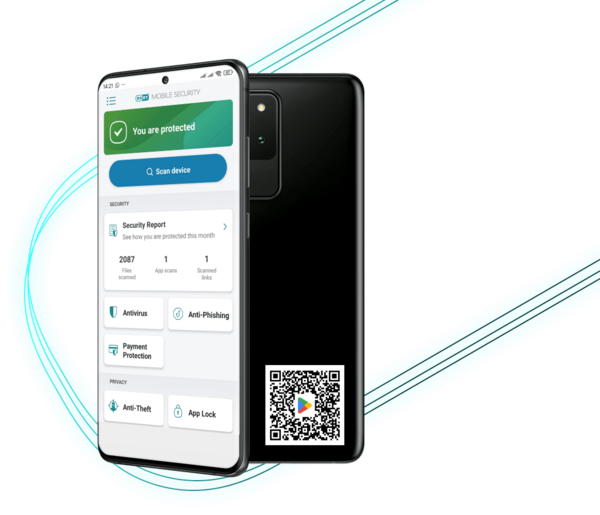
Keep your personal data, finances and online activity extra safe by using Antivirus, VPN, Identity Protection and Anti-Theft features—all included
in the ESET HOME Security Ultimate plan.