
How many times have you looked at your phone’s camera and wondered if someone was using it to stare right back at you? Unfortunately, that’s not necessarily paranoia at work. Remote hacking tools such as spyware can allow threat actors to do exactly that—as well as “mirror” or view your device screen and everything on it.
But by understanding the warning signs and following a few best practice steps, it is possible to keep snoopers at bay.
Tell-tale signs your camera has been hacked
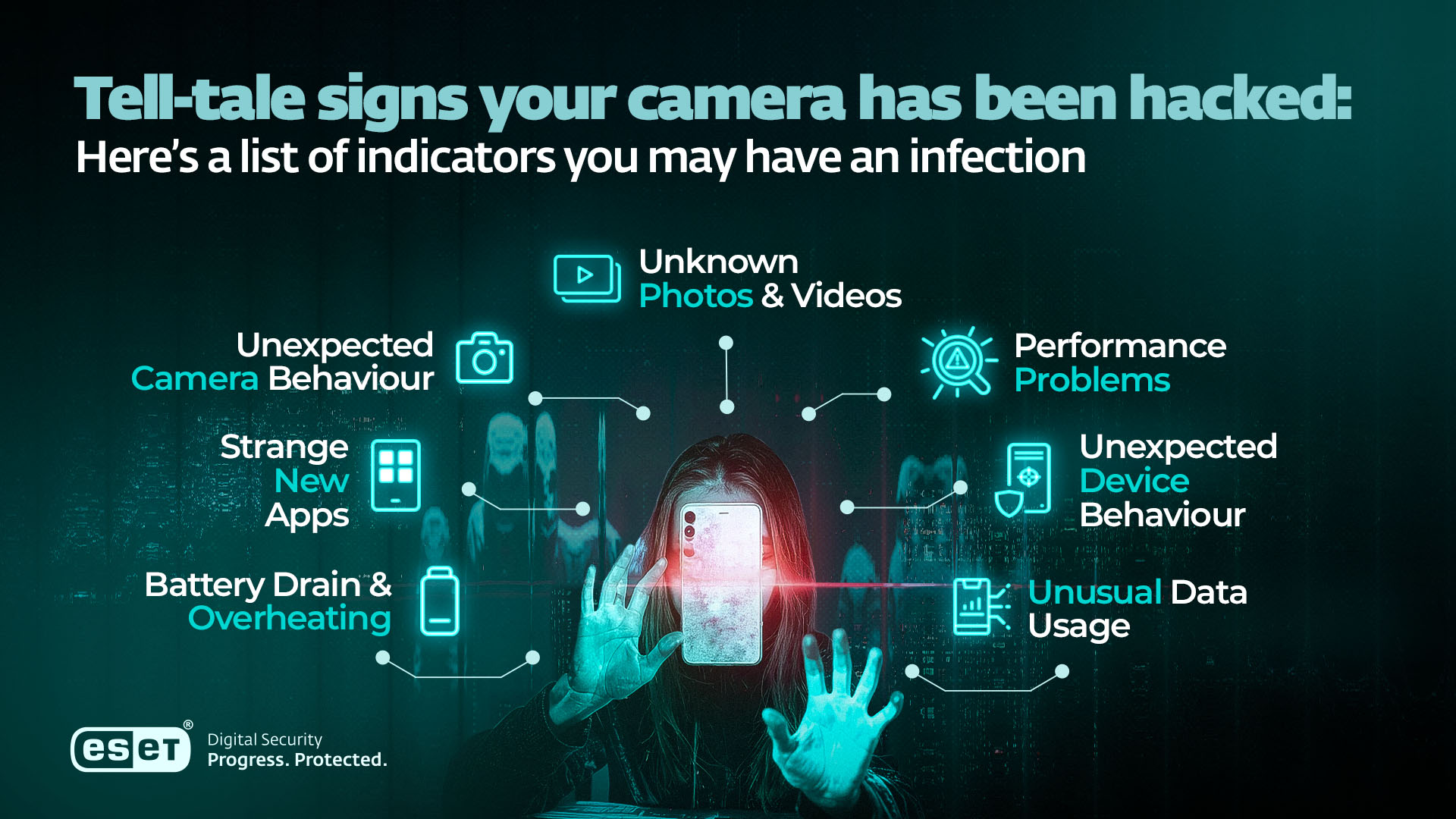
Spyware is the main method by which hackers can access your phone’s camera, or mirror your screen. Here’s a list of indicators you may have an infection:
Unexpected camera behavior
This could include:
- Your camera turning itself on independently. Although some spyware switches the green indicator dot off to hide its activity, it’s worth checking
- Being unable to access the camera. If another application, such as spyware, is accessing the camera, you may receive a message indicating that it is trying to open the function
Unknown photos or videos
If you find photos or videos stored in your gallery that you have no memory of taking, that should be a warning sign that the camera may have been hijacked.
Battery drain and overheating
Spyware covertly installed on your device can often consume more power than normal, even if you’re not using the phone. Keep an eye on battery drain, as well as potential device overheating.
Unusual data usage
Remote hackers will usually want to access the footage they’ve recorded through your camera; in which case they’ll need to send those data over the internet. So spikes in data usage and bills may indicate large file transfers you’re not aware of.
Performance problems
Malware such as spyware can not only drain the device battery but also consume system resources. This might lead to apps crashing or a slowdown in performance. In some extreme cases, the device itself may become unresponsive.
Unexpected device behavior
Yet another indicator of spyware on your device is your phone unexpectedly restarting and/or the screen lighting up for no good reason. Someone might be causing it remotely.
Strange new apps
Eavesdropping malware might install itself on your device as a legitimate-looking application. Many of us have so many apps we might not notice one extra, so it’s worth paying attention.
How to protect your phone’s camera from spying
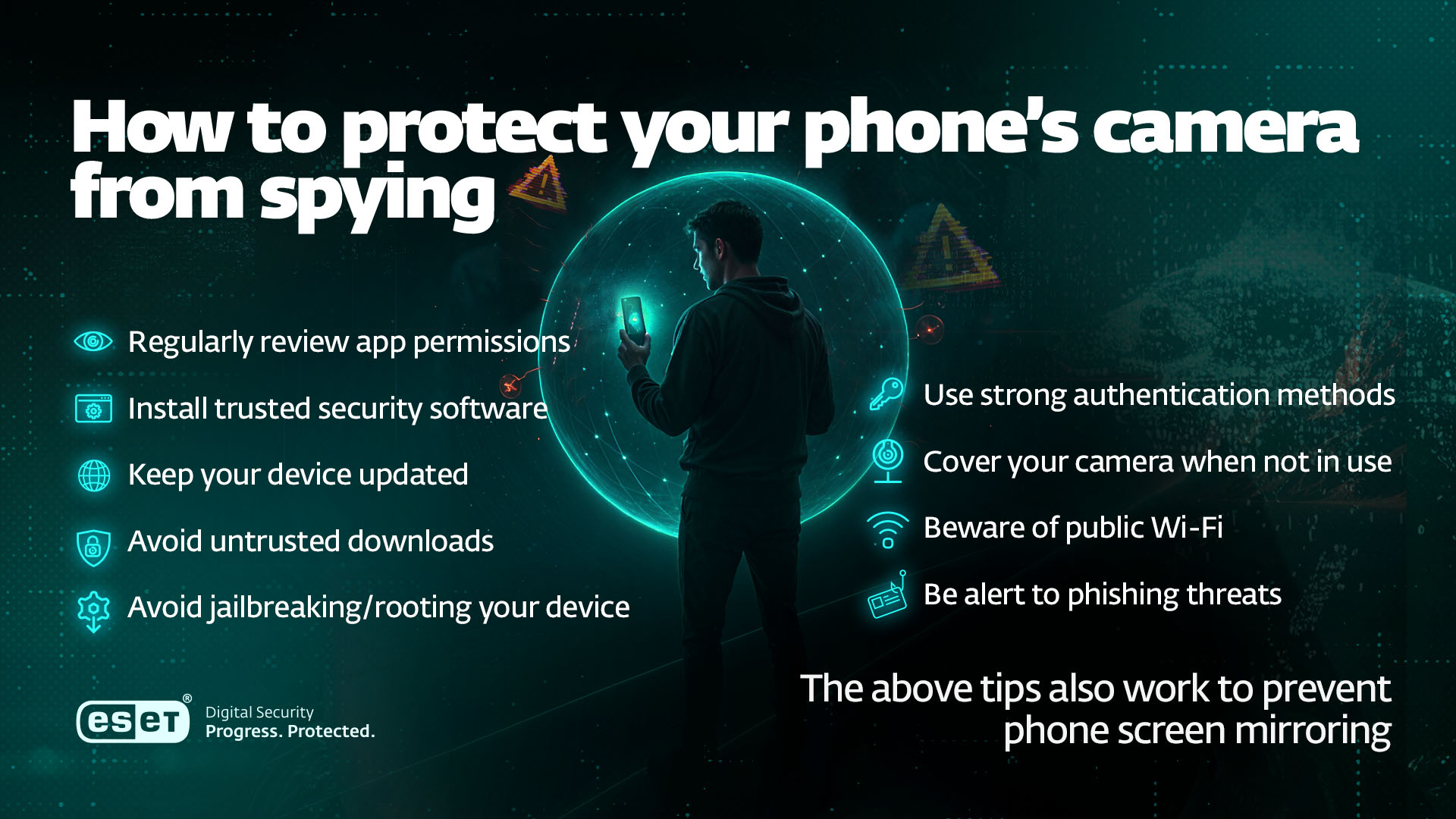
The good news is that by taking a few simple steps you can avoid a potential security and privacy nightmare. The below tips also work to prevent phone screen mirroring:
Regularly review app permissions
Apps that appear to request excessive permissions may harbor malware. That’s why it’s worth auditing them once in a while and revoking permissions to any that don’t require app or microphone access to function properly.
Install trusted security software
Download anti-malware from a reputable third-party provider to detect and remove spyware.
Keep your device updated
Regular updates of the device operating system (OS) and all apps running on it are recommended to ensure you are on the latest and most secure versions at all times.
Avoid untrusted downloads
Within Europe, Apple has to make iOS apps available in third-party marketplaces. However, it’s always best to only download apps from official app stores (Apple App Store and Google Play). This will minimize the chance of you downloading a legitimate-looking app that contains spyware.
Avoid jailbreaking/rooting your device
Doing so may disable important security measures (on an iPhone), limit automatic updates, and expose you to malicious apps on third-party app stores.
Use strong authentication methods
Ensure your device itself is locked down by creating a strong PIN and biometric authentication (e.g. Face ID). Ensure any apps are protected from third-party intrusion by creating strong, unique passwords stored in a password manager. Enhance this log-in security further by switching on biometric authentication. This means that, even if someone can view your passwords, they can’t access your apps and accounts.
Cover your camera when not in use
If you want to be ultra cautious, consider placing a sticker over your camera to cover the lens when it’s not in use.
Beware of public Wi-Fi
Public Wi-Fi networks are often populated by hackers. If data on these networks isn’t encrypted, they may be able to eavesdrop on your web browsing and even redirect you to malicious sites that install spyware. Alternatively, you may accidentally log onto a rogue hotspot run by threat actors themselves, which would enable them to do the same.
Be alert to phishing threats
Phishing is one of the main vectors for malware and spyware infection. So watch out for the warning signs: unsolicited emails from seemingly trusted companies and authorities, urging you to click on a link or open an attachment. Often, they try and force quick decisions on their targets by creating a sense of urgency. Resist the urge.
What to do if you suspect unauthorized camera access
If you haven’t been able to put preventive measures in place quickly enough, or they haven’t worked, consider the following steps.
- Run a malware scan with a trusted security app to find and remove any threats
- Audit and uninstall any suspicious-looking or recently added apps
- Assess app permissions revoking any “required” access to the camera that doesn’t have good reasoning
- Update all your software and OS to ensure they’re on the latest, most secure version, making life more difficult for potential malware on your device
- Monitor device behavior closely for the warning signs listed above
If problems persist, it may be necessary to perform a factory reset or restore from backup. In that case, consider contacting your device manufacturer’s customer support for guidance first.
Smartphone threats can come from a variety of places. It could be that a cybercriminal is after your personal information to sell on the dark web, or that a stalker wants to get hold of images and videos taken by your camera. It may even be intrusive government/police surveillance. But whatever the source of your concern, vigilance is key.
Expert tips & insights
“Having a camera always in your pocket is incredibly convenient for a wide range of personal and business purposes. However, it also presents an attractive target for attackers seeking to spy on their victims. What was once the exclusive domain of sophisticated threat actors—who exploited access to front and rear cameras for espionage—has now become accessible to everyday cybercriminals and stalkers. Tools like stalkerware apps, often used by abusive partners, or financially motivated Android malware such as SpyLoan, have been detected exploiting cameras to monitor victims or collect compromising video material.”
- Ondrej Kubovič, Security Awareness Specialist
Frequently asked questions
How do I know if someone can view me through my phone camera?
Check for warning signs including battery drain and overheating, unusual new apps on your home screen, excessive data usage and performance problems. Unexpected device behavior and the appearance of unknown photos/videos in your gallery are also red flags, as is your camera switching on and off randomly.
Is it true that someone is always viewing you through your phone camera?
No, this should never be the case unless your device has been hacked or you have accidentally made a video call to someone.
How can I tell if a camera is viewing me?
Look for a green dot at the top of the device, indicating the camera is switched on.
Can I tell if my phone is being monitored?
Yes, the warning signs should be similar if your camera is being accessed without your permission.
How can I keep my phone safe from snoopers?
Install security software from a trusted provider, revoke excessive app permissions, keep the device and apps updated, and avoid downloading apps from third-party marketplaces. Also, be phishing-aware, avoid public Wi-Fi, don’t jailbreak/root your device, use biometric authentication, and cover the camera when not in use.
Can hackers see me through my phone screen?
They can’t see “through” the screen, but if you unwittingly download spyware to the device, they could see what you see.
What should I do if I think a hacker is viewing me through my phone?
Run a malware scan with trusted security software, audit and uninstall any suspicious-looking apps, update all apps/device OS, and revoke any excessive app permissions.
If you’re worried your phone may have been hacked to spy on you, try ESET Mobile Security Premium for Android. It offers multi-layered protection from malware, including:
- Device and app/file scanning
- Detection of potentially unwanted applications (PUAs)
- · Security Audit to monitor and change important device settings, and review app permissions